CONTENT / 01
Two Ways to Play: Live Tables Versus Self-Paced Slots
The choice between a live dealer table and a slot room is about more than speed — it shapes your whole session. Live tables put you in a real-time stream with a dealer managing cards or a roulette wheel, which means every round follows the table's pace. You wait for other participants, watch the result unfold on camera, and feel the rhythm of a physical deal.
-
Live Casino Tables
Live dealer rooms stream baccarat, roulette and blackjack in real time. You join a table, place your bet before the timer closes, and watch the dealer complete the round on camera. The pace is set by the table, not by you. JDB supplies several of the live table formats visible in the lobby, and the current table availability is shown on the main casino screen after you log in.
-
Slot Rooms
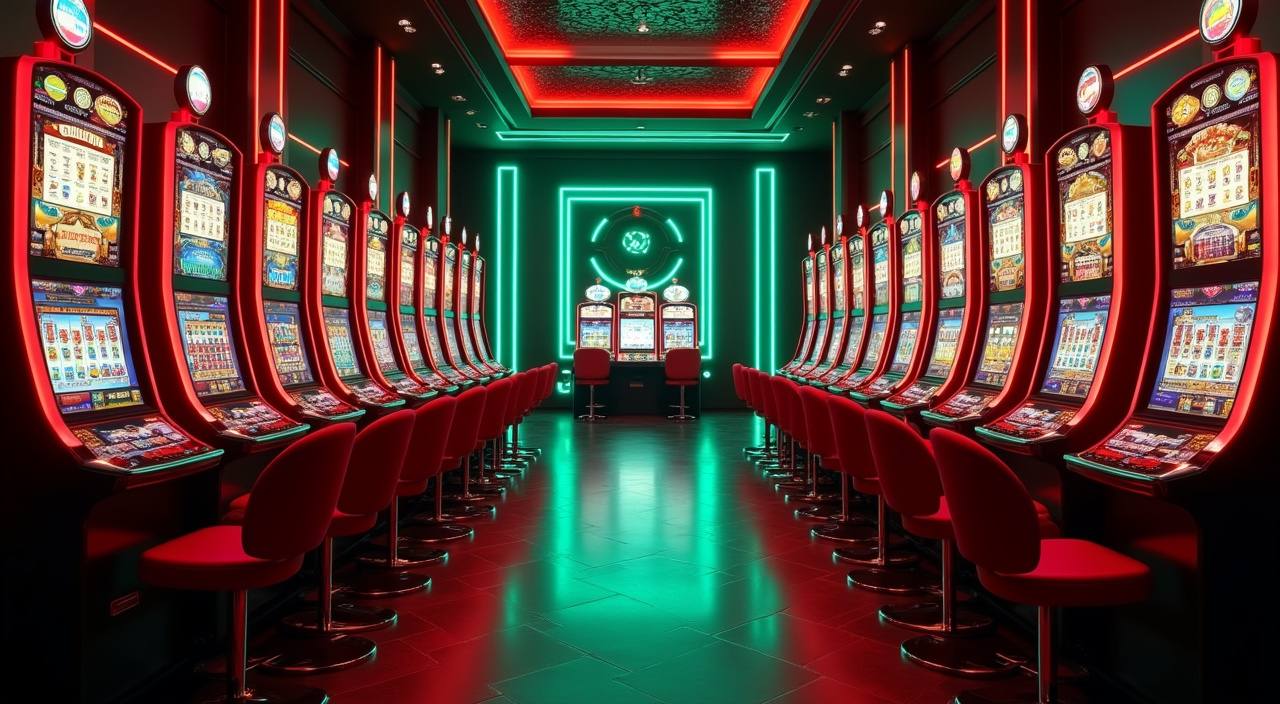
Slot titles from Bigtime Gaming, Habanero and Joker run at your own pace. Pick a title, set your stake level using the controls shown on screen, and spin when you are ready. Many titles include built-in bonus rounds — these are mechanics inside the game itself, not external offers. RTP figures are shown only where the game or studio exposes them in the game panel.
-
Sportsbook Markets
Football betting is the category Indonesian players open most here. Liga 1 fixtures and European leagues appear in the sportsbook section. Select a match, review the available market types shown on that fixture's page, and place your selection. The sportsbook section is separate from the casino lobby but accessible from the same account — no second login or separate wallet needed.
CONTENT / 04
alfabola lobby studios
The alfabola lobby carries content from Bigtime Gaming, Habanero, JDB, Joker. To check the studio, rules or features of one specific game, open that game card or the published information panel.
-
Bigtime Gaming
-
Habanero
-
JDB
-
Joker
CONTENT / 02
Slots, Live Casino and Arcade Games in the Lobby
The catalogue covers live casino tables, multi-payline slots and arcade-style games — all accessible from the same account screen. Browse by category or studio to find the format that fits your session.
CONTENT / 03
The Full Lobby on Your Phone Screen
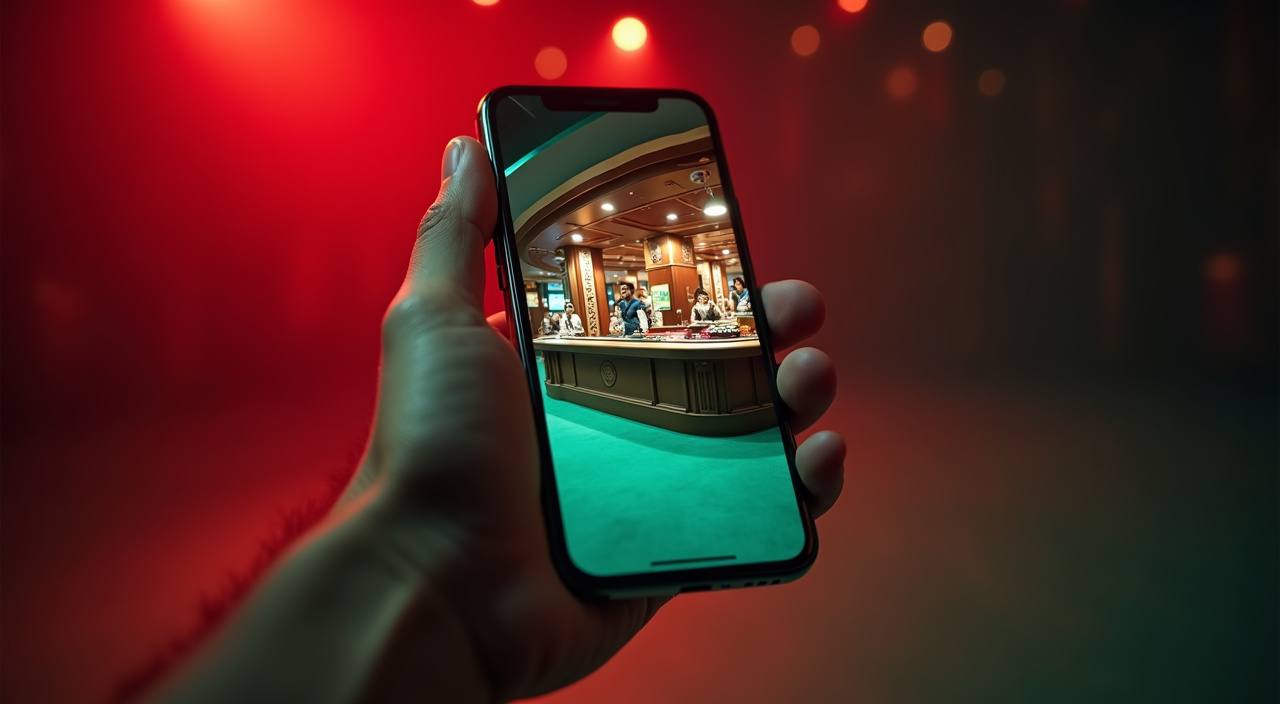
The home screen of alfabola is built to load cleanly on a mobile browser — no separate application or file download is needed to reach the full catalogue. When you open the site on your phone, the lobby reorganises into a vertical scroll with category tabs at the top. Slot titles from Habanero and Joker display their thumbnails in a horizontal rail that you swipe through.
-
Lobby on Mobile
Category tabs, game rails and your account wallet are all reachable from the same mobile screen. The layout shifts to portrait orientation automatically. Slot thumbnails appear in a swipeable horizontal rail; live tables show current dealer and minimum bet in a card row. No separate application is required — the full catalogue is accessible through your phone's browser where local law permits.
-
GoPay on Mobile
GoPay transfers initiate directly from the deposit screen. After entering the amount, the page redirects to your GoPay confirmation step. The amount and reference appear before you confirm, so you can verify the transaction before it processes. Once confirmed in GoPay, the balance update is reflected in your alfabola account wallet. The full payment history is shown in your account transaction screen.
-
QRIS Scan to Pay
QRIS payments generate a unique code on the deposit screen that you scan with any compatible e-wallet or banking app. The code is tied to your account and the specific deposit amount. After scanning and confirming in your own app, the transaction is recorded against your account. QRIS availability and processing depend on your e-wallet provider and applicable local regulations at the time of the transaction.
 Mobile / Slots